Does Android Auto make your phone overheat? Try these 8 ways to cool it down
Android Auto can be a useful tool, but it's taxing on your phone - try these 8 simple fixes to prevent overheating and keep your device running smoothly.
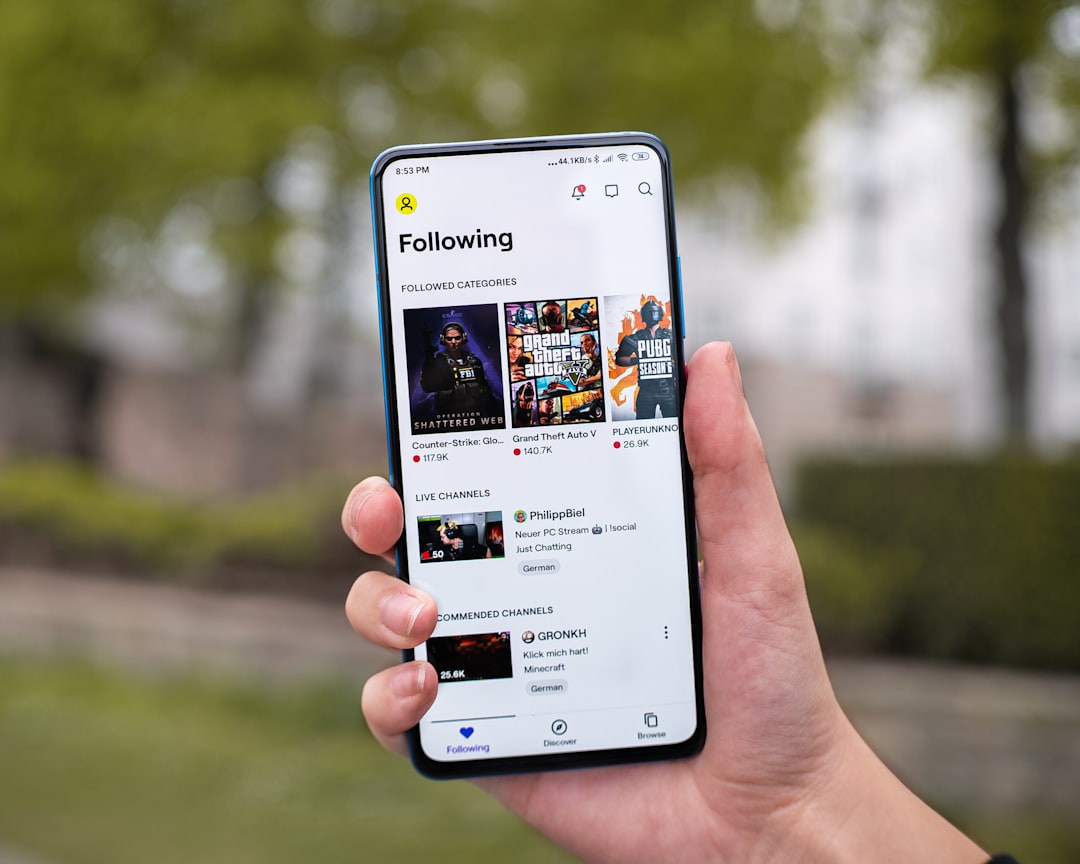
Android Auto can be an incredibly useful tool, but it's pretty taxing on your phone. When your device is navigating, streaming music, charging, sending data, and more at the same time, it's no surprise it might start to run hot -- especially if you live in a warm climate. I've seen high temperature warnings on my phone several times while using Android Auto, and it's frustrating to have to disconnect or even turn off your device when you need it most.
Fortunately, there are several tricks you can employ to help keep your phone cool while running Android Auto. These might be simple fixes, but they can have a big impact. Here's the best way to stop your phone from overheating.
Phones tend to overheat when they're overworked, and switching to a wired connection can help. Android Auto in wireless mode constantly uses Wi-Fi and Bluetooth together, and using a cable takes some work off your device. Especially while running demanding apps like navigation and music at the same time, your phone can use a little breathing room.
This might not make much difference if you have a normal case, but if you have a rugged or heavy case, it's a good idea to take your phone out of its case for a long drive. Your phone's screen uses a lot of power, which in turn makes your device run warmer. If you're using Android Auto, you likely don't need your phone's screen in addition to your car's screen, so turn off your phone's display or at least lower its brightness.
It's the lowest of low-tech fixes, but if you're consistently seeing overheating problems with Android Auto, point one of your car's vents toward your phone (provided you're using AC and not heat). Just as gaming PCs use CPU fans to keep the computer's internals cool, airflow can make a significant difference in your phone, too. If you're experiencing overheating issues, you'll probably see an immediate temperature drop and performance boost with a simple redirection of a vent.
There are even phone mounts that clip directly into a vent, and a lot of them double as wireless chargers. Cheap cables or cables that are worn from years of use can be a big cause of your phone overheating. Android Auto pushes a lot of data, and a bad cable can lead your phone to repeatedly connect and disconnect, draw more power than necessary, or struggle to charge, all of which can cause heat.
Make sure you have a high-quality cable that supports both fast data transfer and charging, and that it's not unnecessarily long, which can cause electrical resistance. (A 3-foot option is probably best.) Closing apps you don't need can be surprisingly effective at keeping your phone cool, especially on older devices. Your phone is already taxed while running Android Auto, so close any social media apps that might be refreshing.
Source: ZDNet