You can leave FaceTime video voicemails, and a lot of people don't know it - here's how
Many iPhone users are unaware that they can leave video voicemails on FaceTime, and it's surprisingly simple to do.
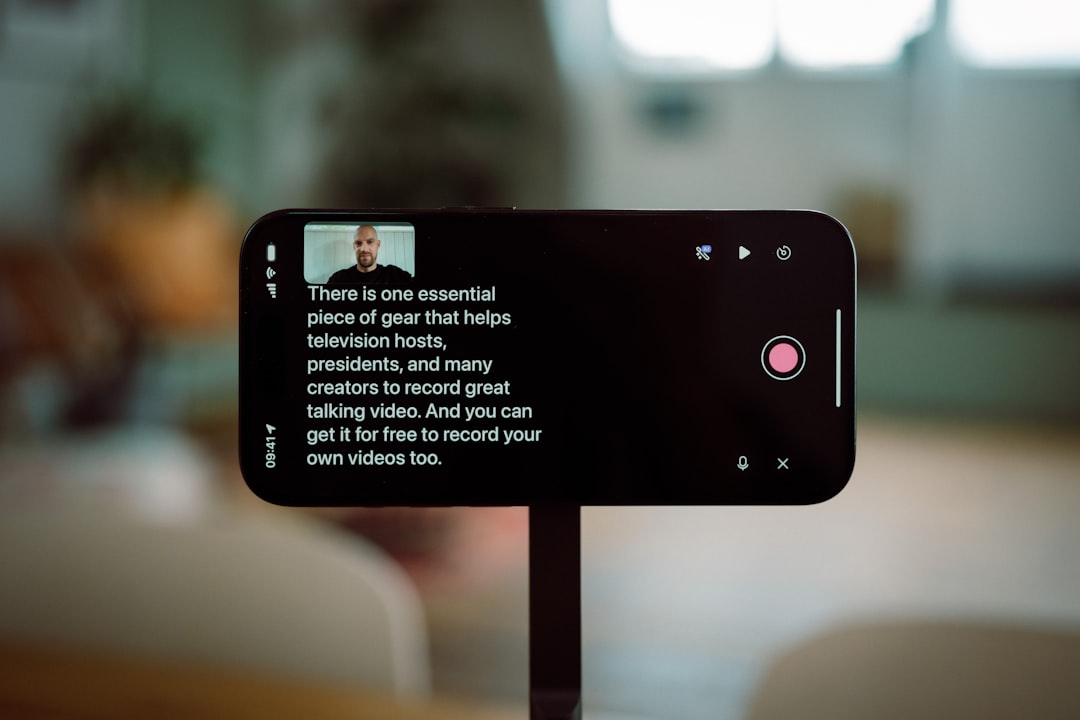
If you're a FaceTime user, you might be surprised to learn that you can leave video voicemails when someone doesn't answer your call. This feature, which is essentially a video version of traditional voicemail, is little-known but surprisingly simple to use. My editor recently spent a weekend teaching two people how to use this feature, which got me wondering if my own family members knew about it.
It turned out they didn't, so I showed them how it works. The feature is called video messages, and it's only available for FaceTime users with compatible Apple devices. To leave a FaceTime video message, start a FaceTime video call as you normally would.
Let the call ring until the other person doesn't answer. When it times out, FaceTime will show the option to record a video message. Tap 'Record Video' on the missed-call screen, and FaceTime will start a countdown before beginning the recording.
After recording your message, you can preview the video before sending it. If it looks fine, send it. If there's a mistake, retake it.
Make sure to tap the send button to actually send the video message when you're done. The recipient will see a notification, and the video message will appear as a thumbnail in their FaceTime call history. To view a FaceTime video message, open FaceTime and look for it in the call history.
Tap the video thumbnail to play it. You can also find messages by tapping a person's name in FaceTime history, then checking Videos or Voicemails. In addition to video messages, FaceTime also offers a related feature called Live Voicemail for audio calls.
To enable Live Voicemail, go to Settings > Apps > Phone > Live Voicemail. Then, place a FaceTime audio call as usual. When the person doesn't answer, FaceTime gives you the option to leave a voicemail.
On the recipient's end, a live transcript may appear while the message is being recorded, if it is long enough.
Source: ZDNet