I tested the Surface Pro's new privacy filter, and it's Microsoft's best business feature yet
The 12th-edition Surface Pro for Business boasts a sophisticated build, net new features, and a privacy screen that limits viewability from off-axis viewers.
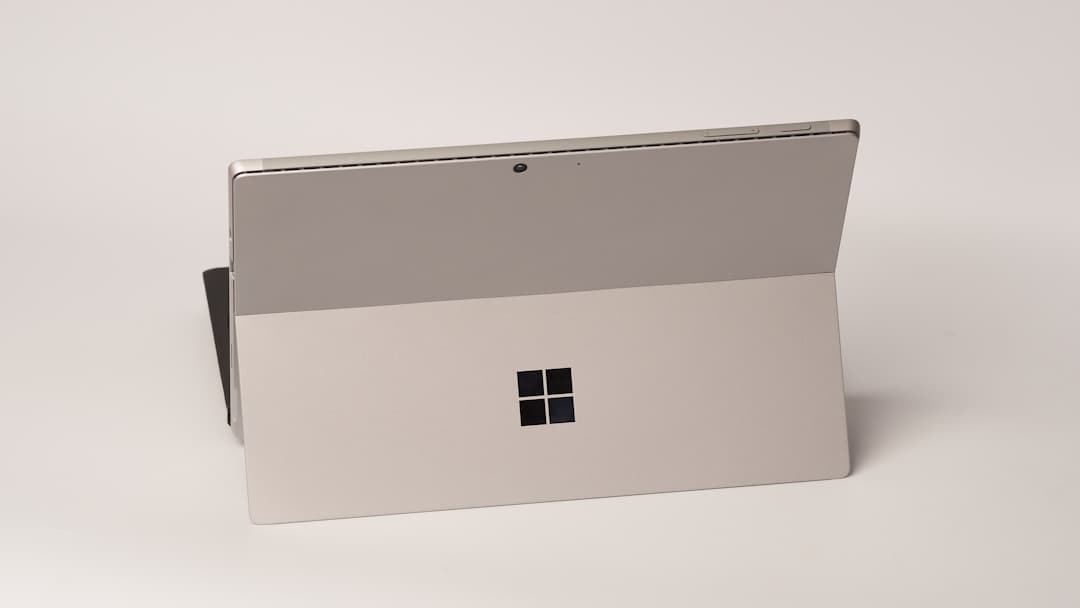
Microsoft's latest Surface Pro for Business has hit the market, and it's packed with features that make it a top contender in the premium tablet space. The 12th-edition device boasts a sophisticated build, an ultra-portable design, and some exciting new features, including a privacy screen built into the display. The Surface Pro's privacy filter is a game-changer for business users.
This built-in filter uses in-cell TDM technology to turn down the luminance of individual pixels, effectively limiting viewability from off-axis viewers. In practice, it works like a charm - the screen appears significantly dimmed from the sides, but only when you're not directly in front of it. This feature is especially useful for those who work in shared spaces or need to keep sensitive information private.
But the privacy filter is just one of many features that make the Surface Pro stand out. The device also supports Windows' new OS-level Advanced Haptics, which provides tactile feedback across user actions. This feature is optional, but it adds a new level of interactivity to the Surface Pro experience.
The haptic feedback also extends to the pen, with subtle signals that confirm supported actions or respond to usability triggers. The Surface Pro's display is also worth noting. The 13-inch OLED touchscreen is bright and vivid, with a 267 PPI resolution, up to 120Hz refresh, and an anti-reflective coating.
It's a capable tablet in its own right, and it's perfect for business use cases. The device also features a Quad HD 1440p front-facing camera with an ultrawide field of view, which is great for videoconferencing. The Surface Pro's battery life is also impressive, with Microsoft citing up to 17 hours in its video playback test and 11 hours of normal web usage.
In real-world testing, the device lasted over 10 hours with normal use. The device also supports fast charging with a 60W charger, and both USB-C ports support DisplayPort 2.1 and Thunderbolt 4. Of course, all of these features come at a price.
The Surface Pro starts at $1,949 for the lowest-tier configurations, and the detachable keyboard and charger are sold separately. But for business users who need a premium device with advanced security features, the Surface Pro is a top choice.
Source: ZDNet