Test Your USB-C Cables with This Free Mac App
A free Mac app identifies USB-C cable specs, helping users avoid faulty or underperforming cables.
Free Mac App">
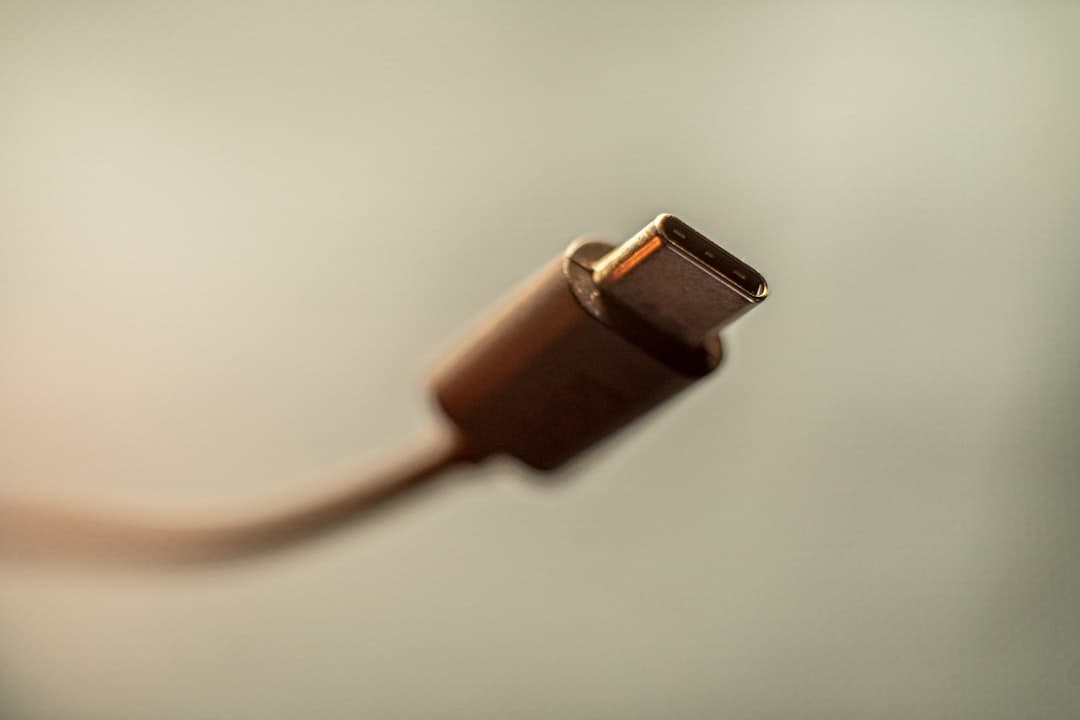
The 'ZDNET Recommends' label signifies that a product or service has been thoroughly tested and reviewed by ZDNET's editorial team, providing readers with accurate information and expert advice to make informed purchasing decisions. USB-C's biggest flaw is that every cable looks the same, whether it's a free charge-only cord or a $159 cable rated for 100W and 40Gbps. A new free Mac app, WhatCable, solves this problem by identifying a USB-C cable's true specs.
To use it, you'll need a Mac running macOS 14 (Sonoma) or later powered by any Apple Silicon chip. WhatCable is a free, open-source app that is also privacy-focused, with no analytics, tracking, or data leaving the user's Mac. The app can be downloaded directly from the developer's website or installed via Homebrew.
Once installed, it will show users what each USB-C cable plugged into their Mac can actually do and let them diagnose issues like slow charging or slow connected storage drives. The app seems simple but has a lot of features, including the ability to check for charging speed issues or cable problems. WhatCable can also figure out what's going on with the MagSafe port on a MacBook.
A pro version is available for £9.99 (about $14), unlocking 16 additional features, including protocol-level event history and display diagnostics. WhatCable is not perfect, with some users experiencing issues with certain features not working. However, for a free app, it's powerful, and users can also pay for a license to support the developer and access more features.
The app's capabilities differ from hardware testers, which can range from $13 to $100. Standalone testers can test cables in isolation but may require additional hardware. WhatCable, on the other hand, uses a Mac to test cables, making it more convenient for users who already have a Mac.
For home users, the free version of WhatCable is sufficient to sort out cable chaos and identify faulty or underperforming cables. The app helped one user identify a couple of damaged or defective cables and a deceitful cable that didn't live up to its spec sheet. Why this matters: The WhatCable app has significant implications for the tech industry, particularly in the realm of USB-C cables.
With the proliferation of cheap, low-quality cables on the market, users often have no way of knowing whether a cable is capable of handling the demands of their devices. WhatCable provides a convenient and accessible solution, empowering users to make informed purchasing decisions and avoid faulty cables. For developers and manufacturers, this app raises the bar for cable quality and transparency, pushing the industry towards more rigorous standards and testing.
Source: ZDNet